
How to Update your Apple Devices
How to Update your Apple Devices
Updating your Apple Device
Updating your Apple devices is very easy. With a few simple steps, you can keep your devices up to date with the most recent security and bug fixes. CareServ recommends updating your devices on at least a quarterly basis.
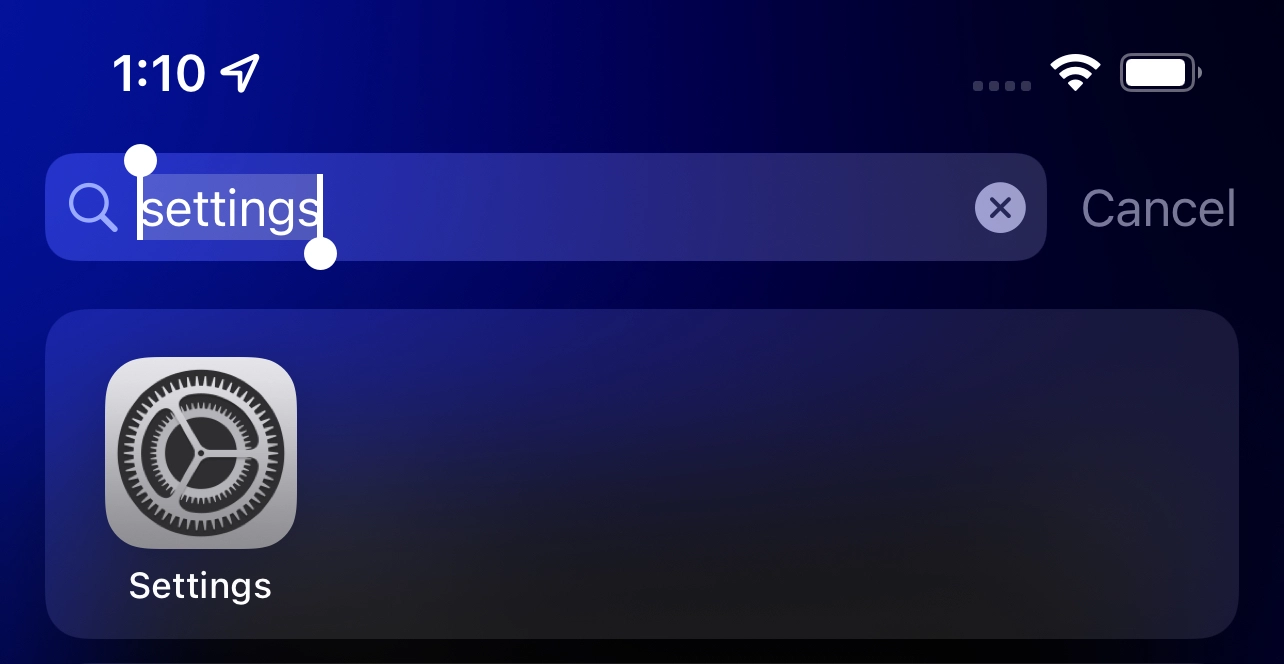
Step 1
Search for and click on your settings icon.
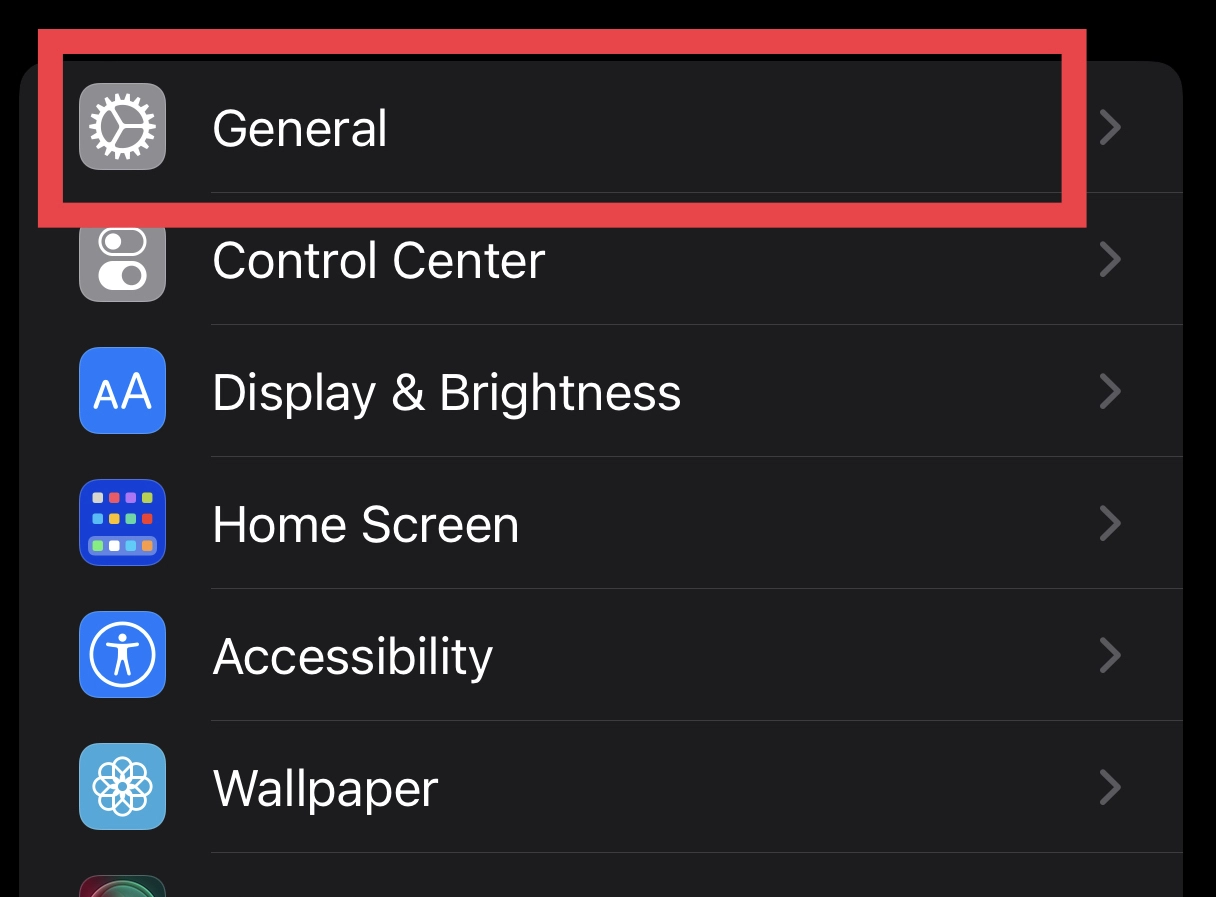
Step 2
Select the General section within your settings app
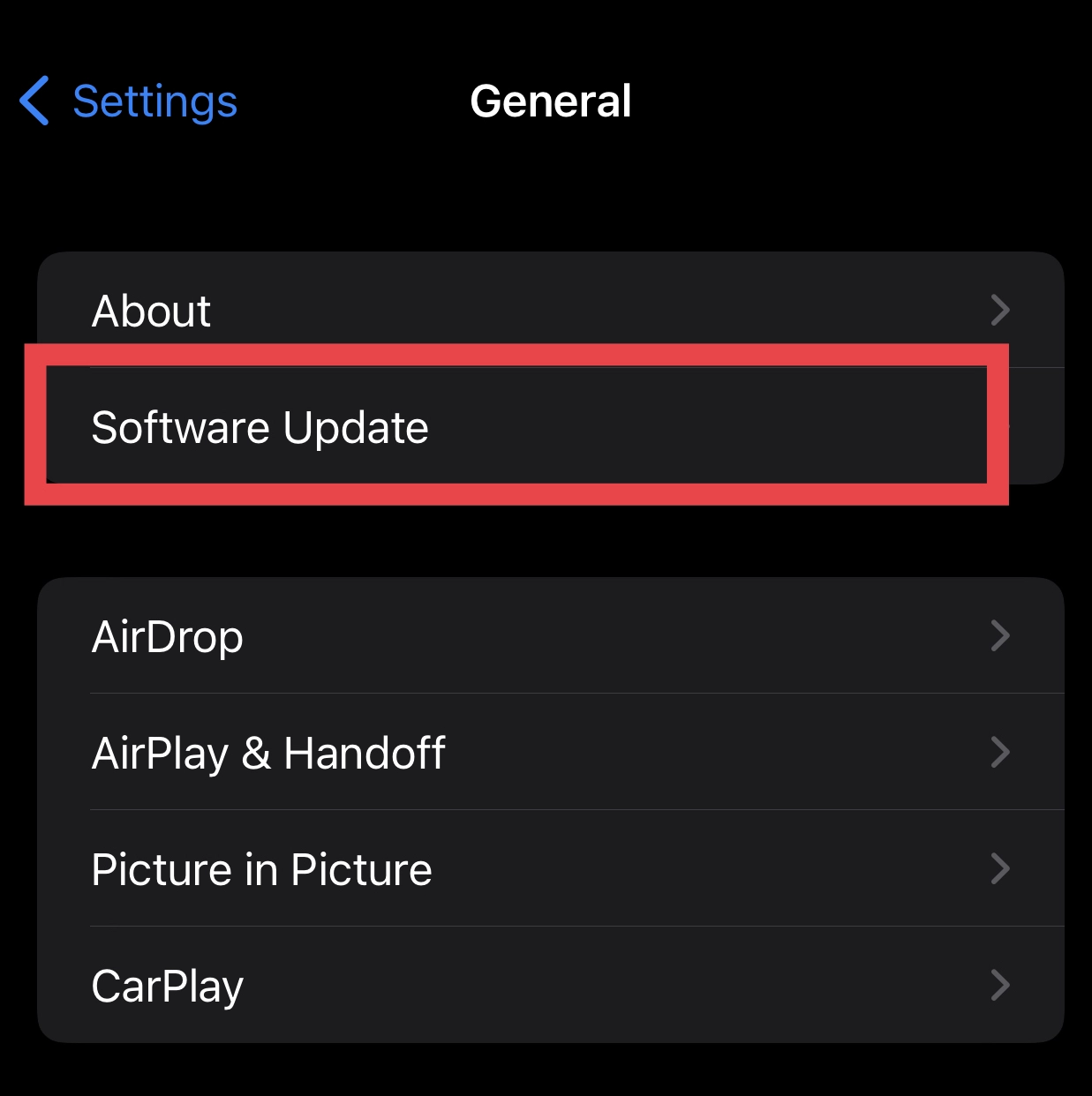
Step 3
Select Software Update within the general section of the settings app
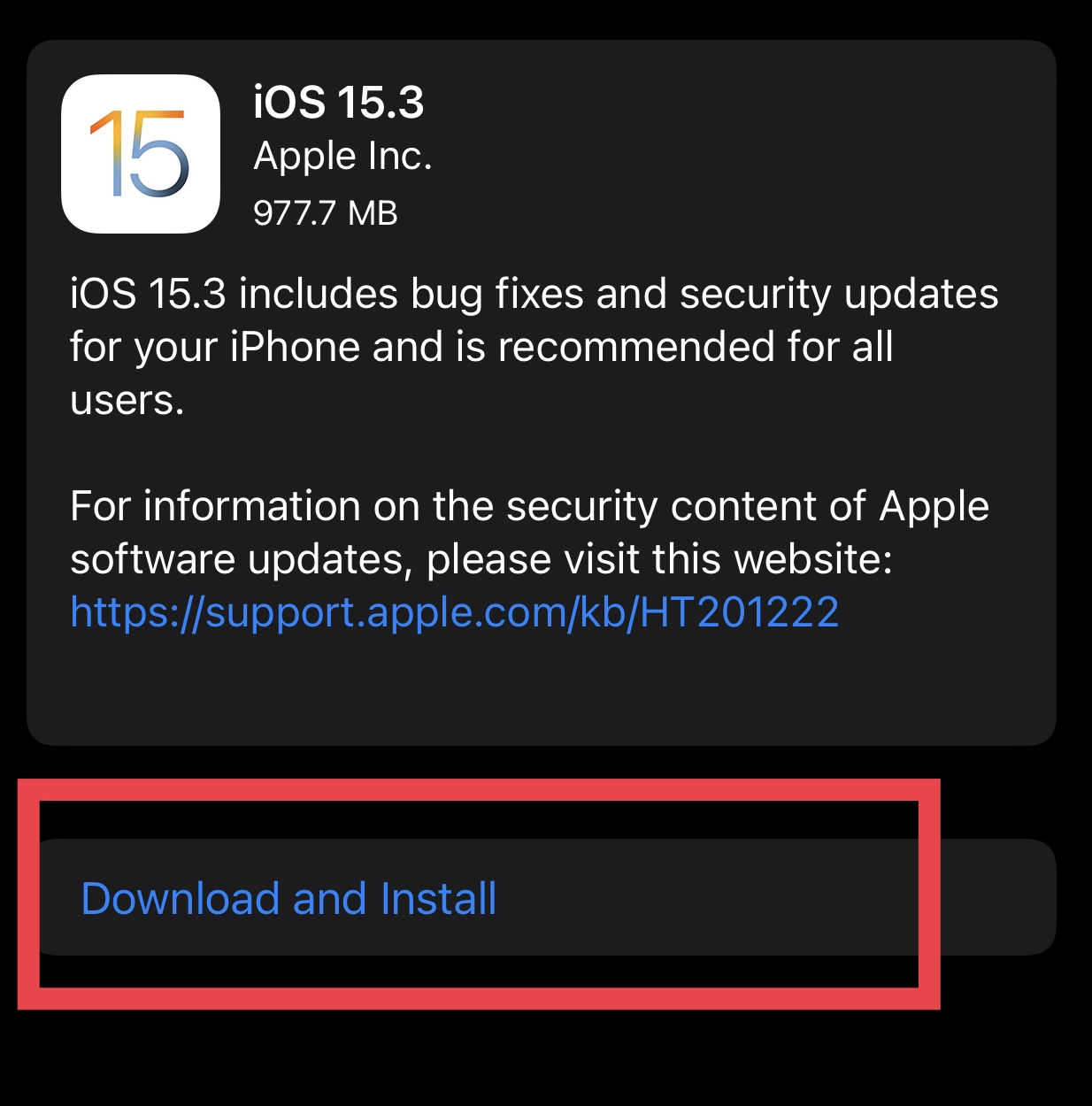
Step 4
Once you select the software update the next screen will search for and detect if a newer software version is available. If it is you will be prompted to download and install the update. Select this option if it is available.