
Android Email Guide
Android Email Setup
Email Setup Guide
Android phones have gotten easier and easier to set up over the years. Depending on your specific make, model, and installed android version the walkthrough below may have some slight differences. The native Gmail app on your android device is capable of loading either Microsoft 365 Accounts or Exchange on Premise accounts.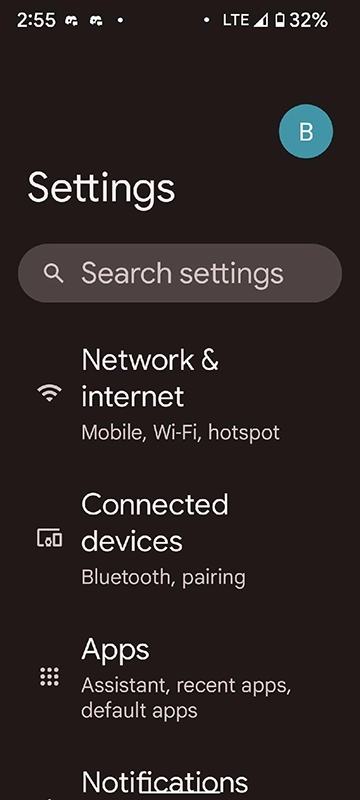
Step 1
Open your Settings application on your Android Device
Step 2
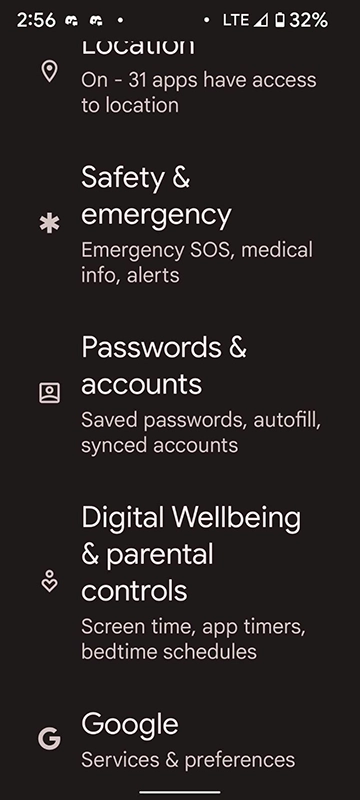
Select Passwords & Accounts. This could also be labeled as Users & Accounts depending on your Android Device and Version installed.
Step 3
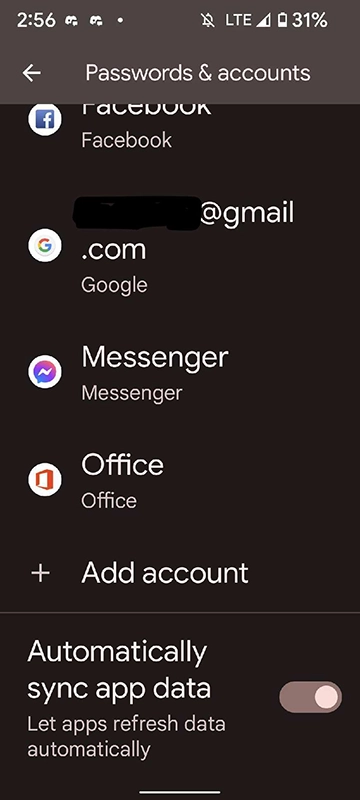
Select Add Account
Step 4
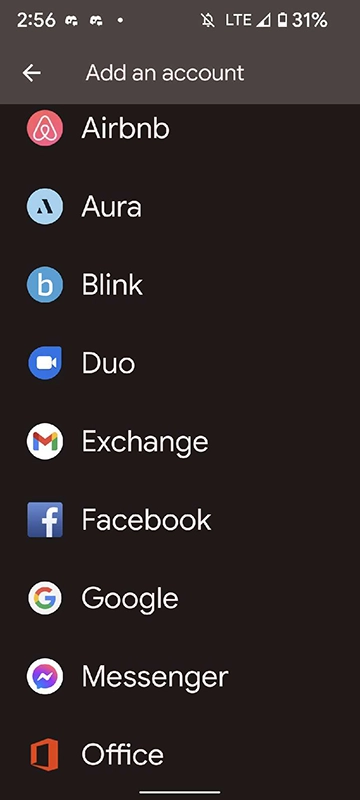
Select Exchange
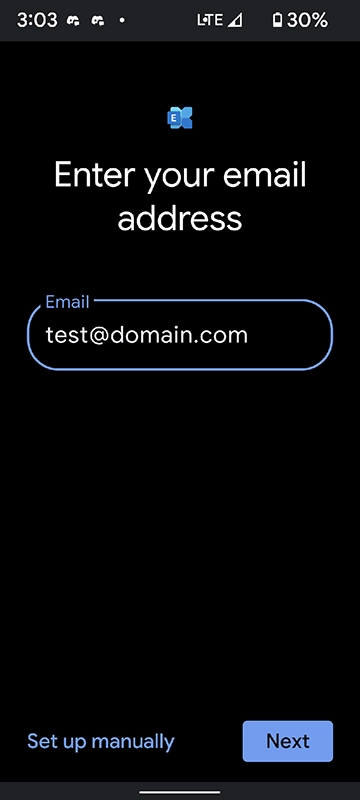
Step 5
Enter your Email address
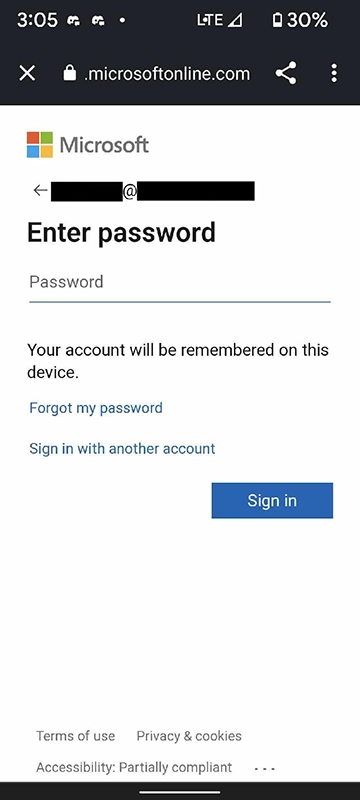
Step 6
Enter your account password and hit sign in. Please note if you have MFA enabled on your Microsoft account you will be required to authenticate using one of the methods enabled on your account.
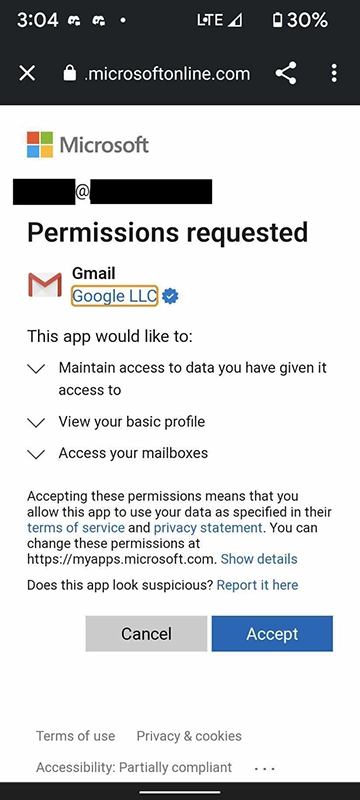
Step 7
Select Accept to accept the permissions being requested
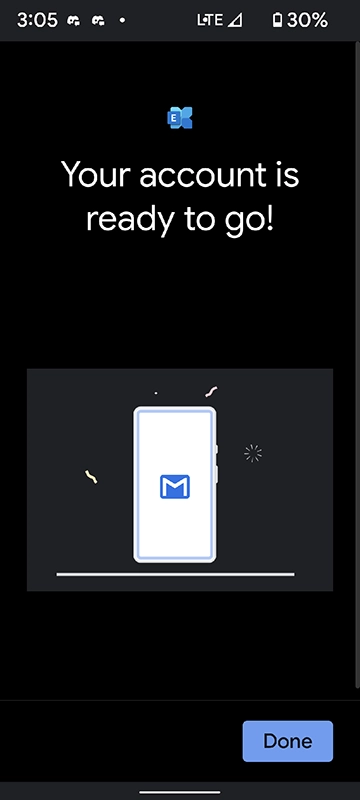
Step 8
You are all done!