
CareServ Email Quarantine & Allow List Guide
CareServ Email Quarantine & Allow List Guide
Use the CareServ Email Protection portal to review messages held by Microsoft 365 and manage your personal INKY Allow List from one place.
Before you begin: Use your company Microsoft 365 work account. Personal Microsoft accounts are not supported.
Open CareServ Email Protection >
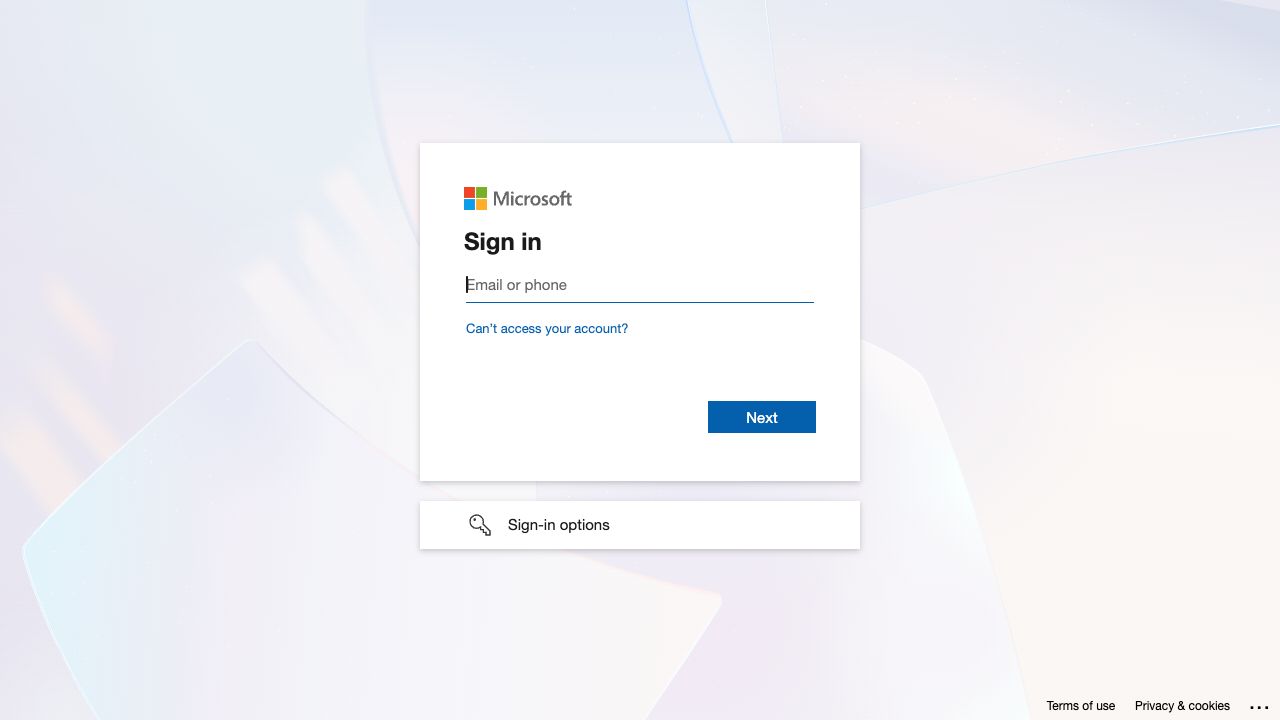
Step 1 — Sign in with your work account
Enter your company Microsoft 365 email address and complete your normal password and multifactor authentication prompts. If more than one Microsoft account is displayed, choose your company account.
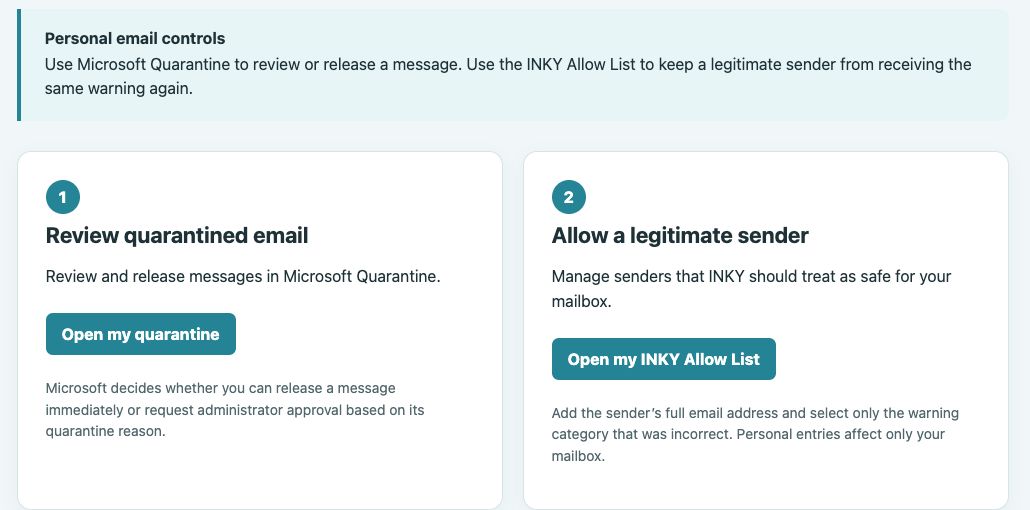
Step 2 — Open the portal
Go to quarantine.gocareserv.com. Select the Microsoft sign-in option if you are asked to sign in.
Step 3 — Choose what you want to manage
Select Open my quarantine to review held messages. Select Open my INKY Allow List when you need to allow a trusted sender for your mailbox.
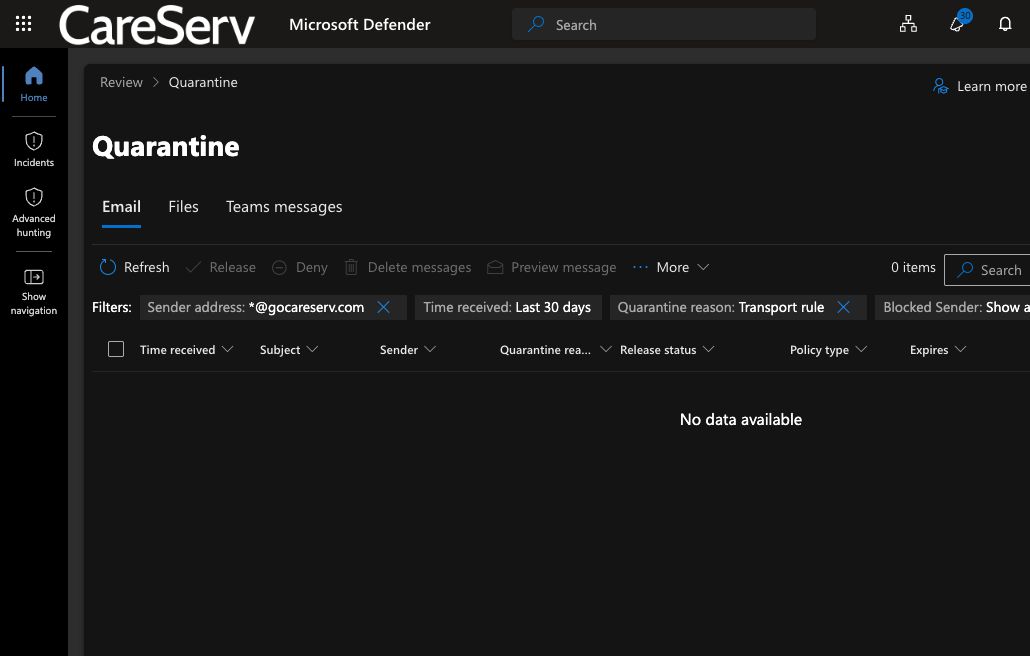
Step 4 — Review the quarantined message
In Microsoft Quarantine, select the message and verify the sender, subject, received time, and reason it was held. Preview the message only when you recognize the sender and expected the email.
Step 5 — Release the message
Choose Release. If your organization requires approval, choose Request release instead. Microsoft will return you to the list after the request is submitted.
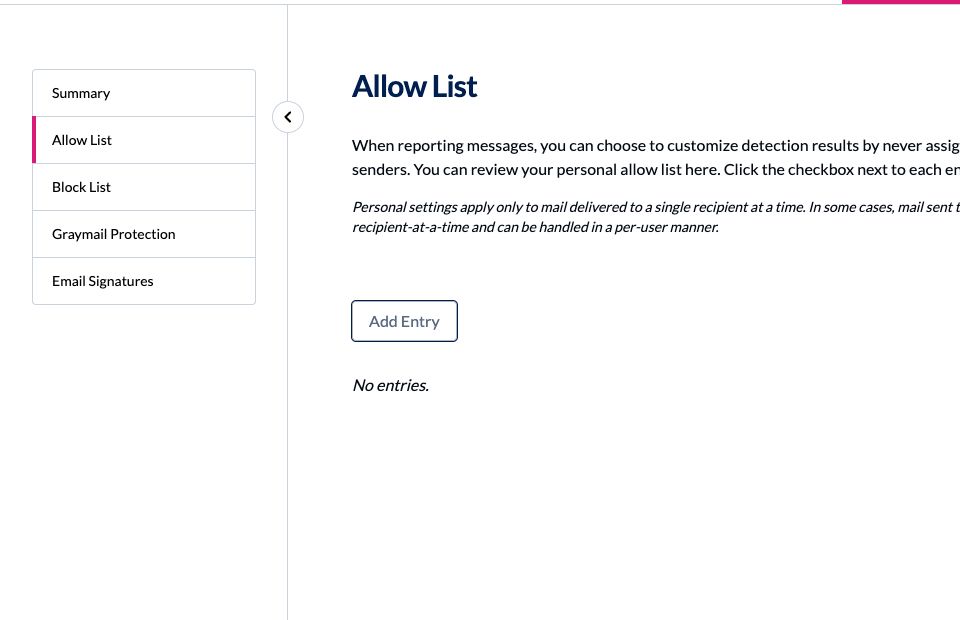
Step 6 — Allow the sender in INKY
Copy the sender’s full email address. Return to the CareServ portal, open my INKY Allow List, add the exact sender address, and save it. Use the full address instead of allowing an entire domain unless CareServ Support tells you otherwise. Your personal allow-list entry applies only to your mailbox.
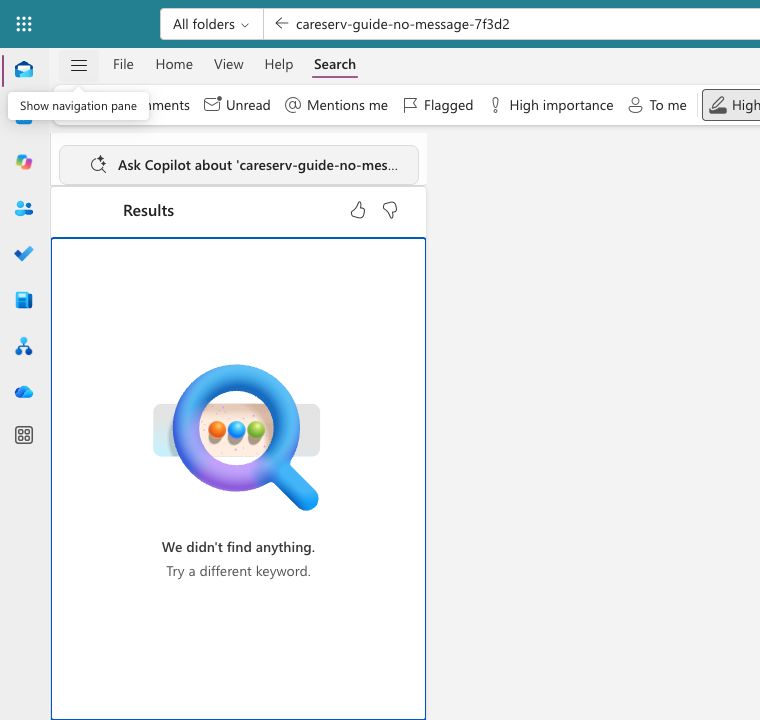
Step 7 — Confirm delivery
Allow a few minutes for the released message to appear in your Inbox or Junk Email folder. Ask the sender to send a new test message if you also added them to your INKY Allow List.
Troubleshooting
I cannot sign in
Confirm that you selected your company Microsoft 365 work account. If you still see an access message, submit a CareServ support ticket and include your email address and company name.
The Release button is not available
Your organization may require an administrator to approve the release. Select Request release. If that option is also unavailable, submit a support ticket.
The message is not in quarantine
Check your Inbox and Junk Email folders. If it is still missing, submit a ticket with the sender address, recipient address, subject, and approximate time sent so CareServ can trace it.
I still receive an INKY warning
Confirm that the exact sender address was saved in your personal INKY Allow List. Do not allow an unfamiliar sender simply to remove a warning.
Need help?
Submit a CareServ support ticket and include the sender, recipient, subject, and approximate send time.